Azimut One Mono 200 W
The simple and complete version for one 24 V rotor.
- 1 rotor output
- 24 V motor output — 200 W
- 115 V AC or 230 V AC mains input
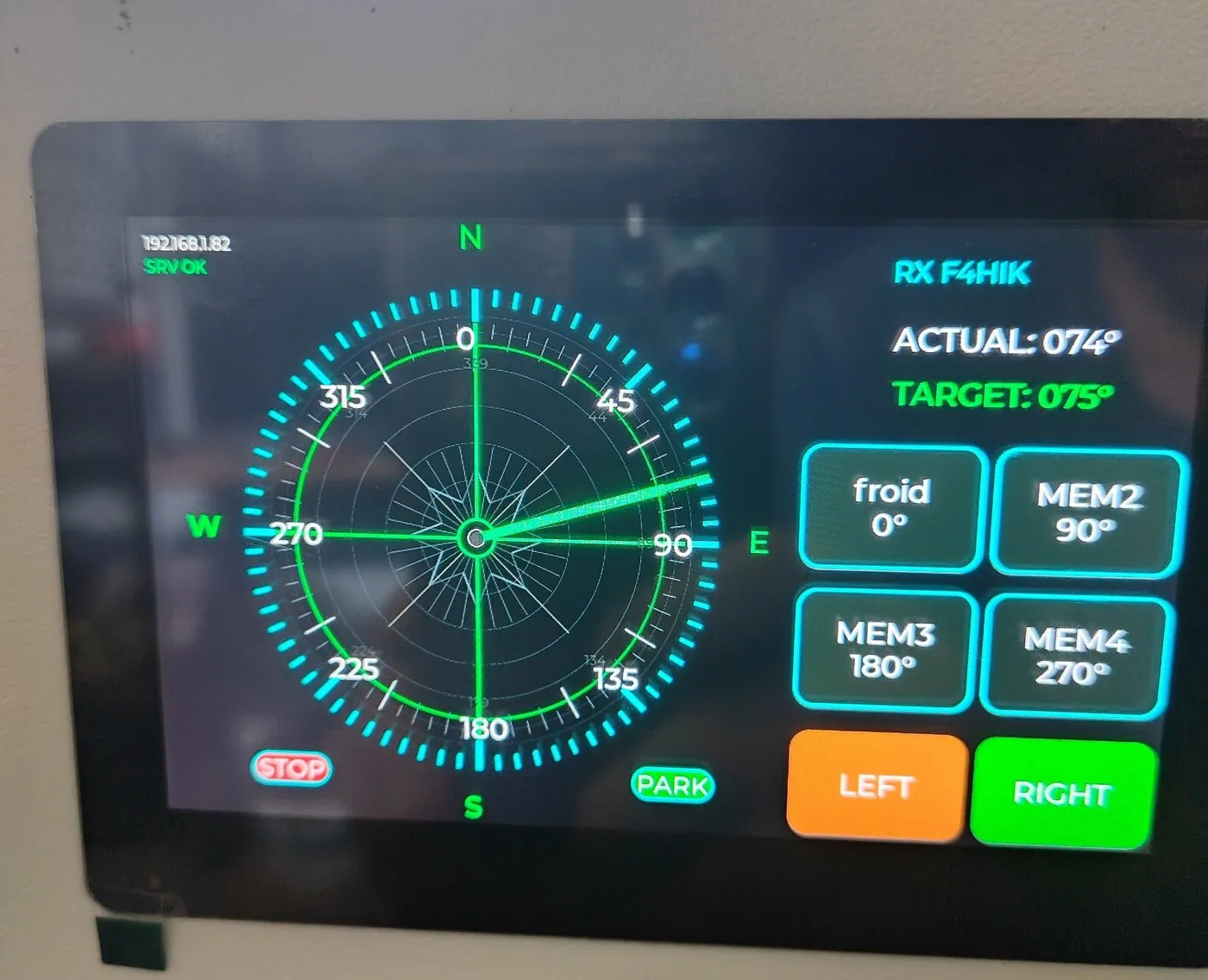
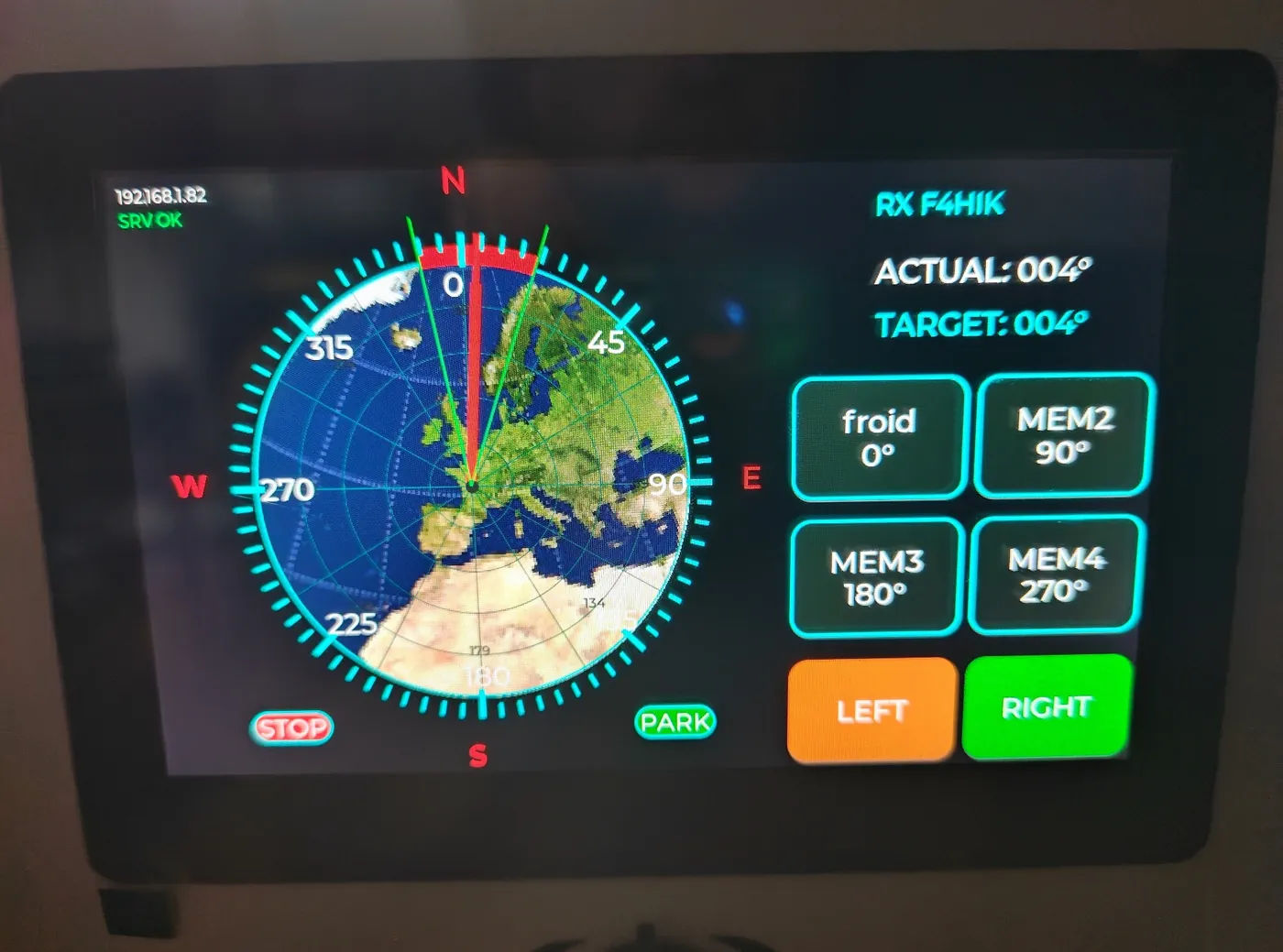
- 7-inch touchscreen
- Wi-Fi + RJ45 LAN as standard
Azimut One range
Three DC configurations and one AC range, prepared for the exact model of your rotor.
The simple and complete version for one 24 V rotor.
Extra power reserve for more demanding rotors.
Two operational outputs for two rotors or an Az / El installation.
AC range available
The control electronics and functions remain the same. The cable, connector, pinout and configuration are prepared for the selected rotor.
Mono 160 VA or Dual 300 VA configurations, with a 7-inch touchscreen, Wi-Fi, RJ45 LAN, memories, calibration and network control.
Shared equipment
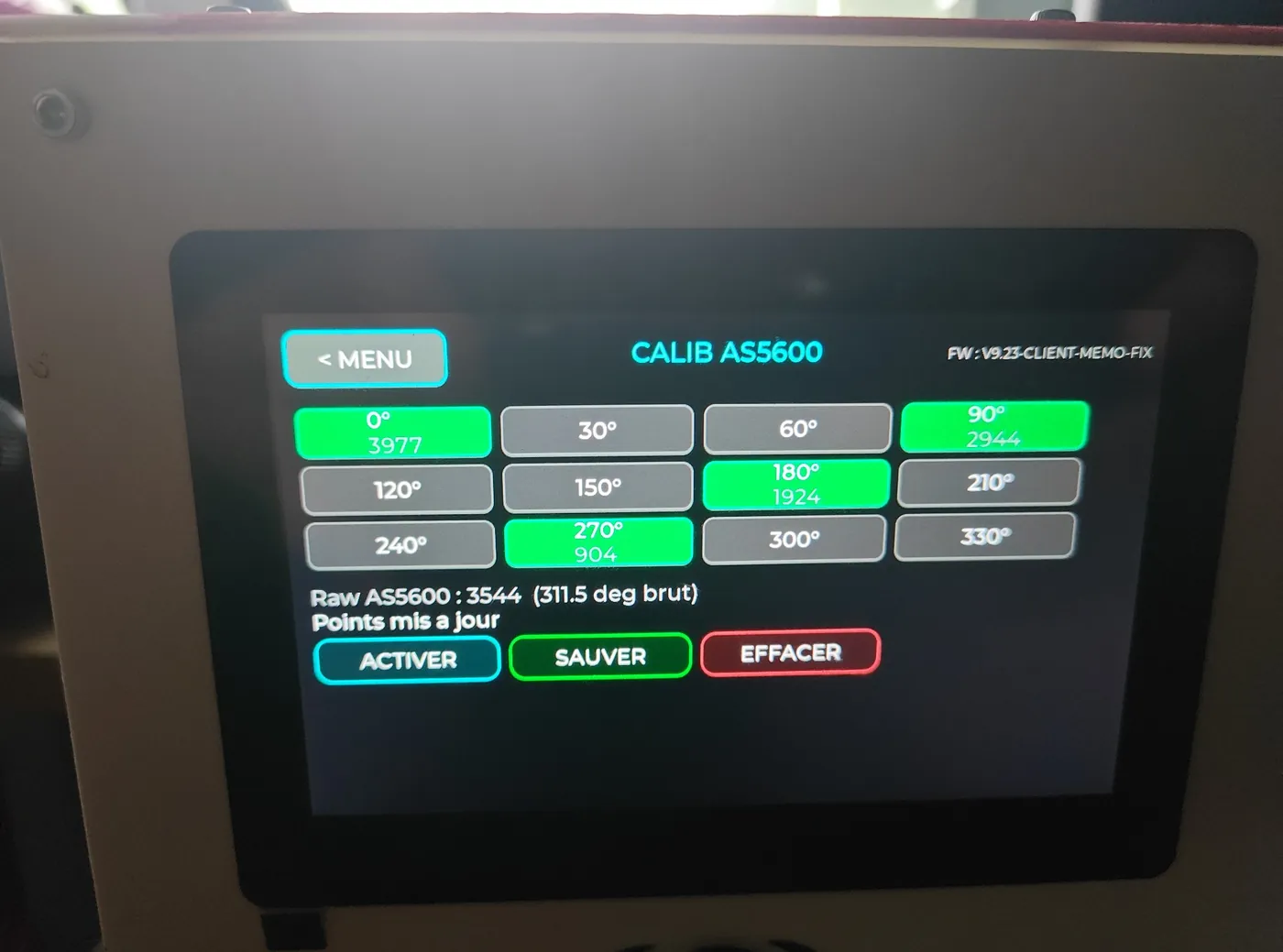
Uses the original potentiometer when operational. The AS5600 sensor remains an optional solution.
360° travel, overlap up to 60° on one side or 45° on both sides. The LED remains steady during movement and a red badge marks the overlap zone.
All three consoles can be prepared for either 115 V AC or 230 V AC mains input. The voltage is selected with the order request.
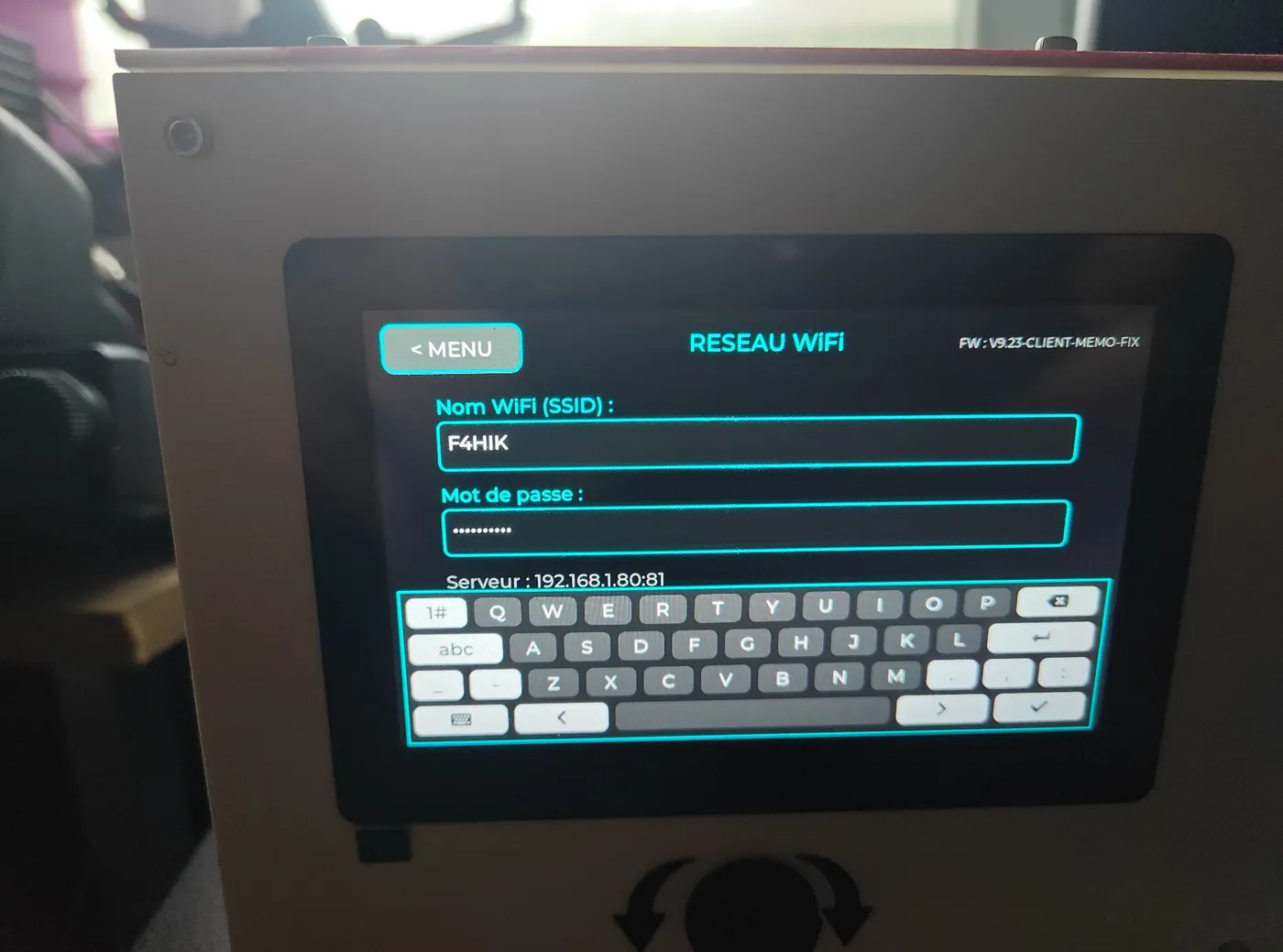
Wi-Fi and RJ45 LAN included. LAN remains the priority connection, while backup Wi-Fi provides Web access and official updates without a cable.
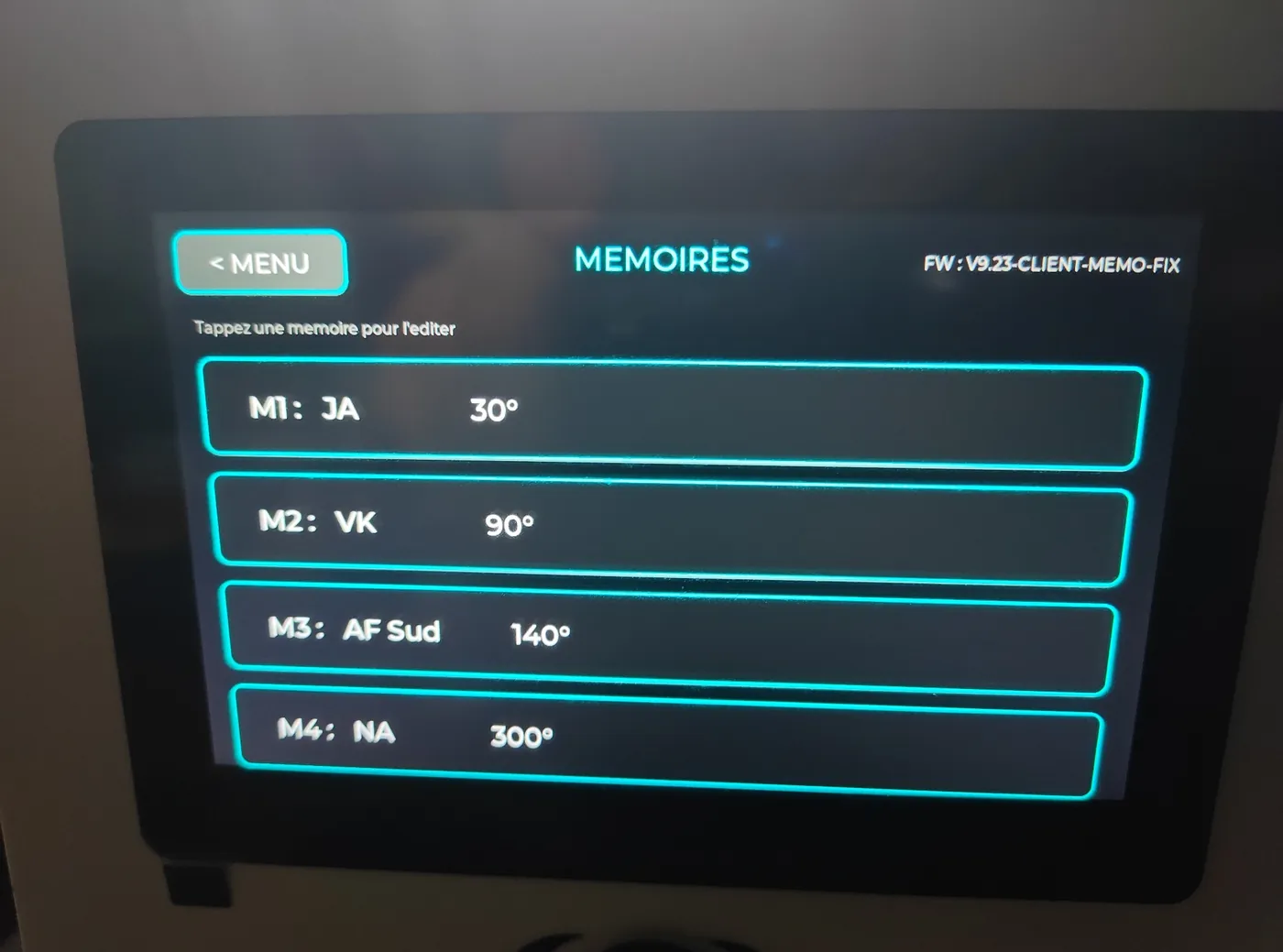
Separate R1/R2 calibration on ADS1115 A0/A1. Antennas, colors and six M1–M6 memories are configured per rotor.
On the dual version, the console returns after restart to the last selected view: Rotor 1, Rotor 2 or Dual.
Short arrow tap: exact 1° step. Hold: continuous rotation. Release: immediate stop.
Progressive acceleration over the first 10 degrees, braking over the last 10 and no more than one fine correction.
R1/R2 selection, control, calibration and clearing for the chosen rotor, with a safe stop when switching axes.
Select the active rotor by touching its compass rose. The Yaesu G-5500 keeps independent AZ and EL axes.
Interface preview